How to use this tool:
- Open your PDF in any PDF reader (Adobe, Chrome, Preview, etc.)
- Select all text (Ctrl/Cmd + A) and copy it (Ctrl/Cmd + C)
- Paste the text below and click "Clean & Organize"
- Get cleaned, organized text with sections and key points
Paste text copied from your PDF. Our AI will remove artifacts, fix formatting, and organize the content.
Frequently Asked Questions
What does this PDF text extractor do?
This tool takes messy text copied from PDFs and cleans it up by removing formatting artifacts, fixing broken words, removing page numbers and headers/footers, and organizing the content into clear sections with a summary.
Why is my PDF text messy when I copy it?
PDFs store text in complex ways that don't always translate well when copying. You might see broken words, merged lines, random page numbers, headers and footers repeated throughout, and strange formatting. Our tool fixes all of these issues.
What types of PDFs work with this tool?
This tool works best with text-based PDFs like documents, articles, syllabi, policies, and reports. It can identify document types and organize content appropriately. Scanned images require OCR first.
How much text can I process at once?
You can process up to 15,000 characters at once, which is roughly 5-10 pages of typical document text. For longer documents, process them in sections.
Does this extract text from PDF files directly?
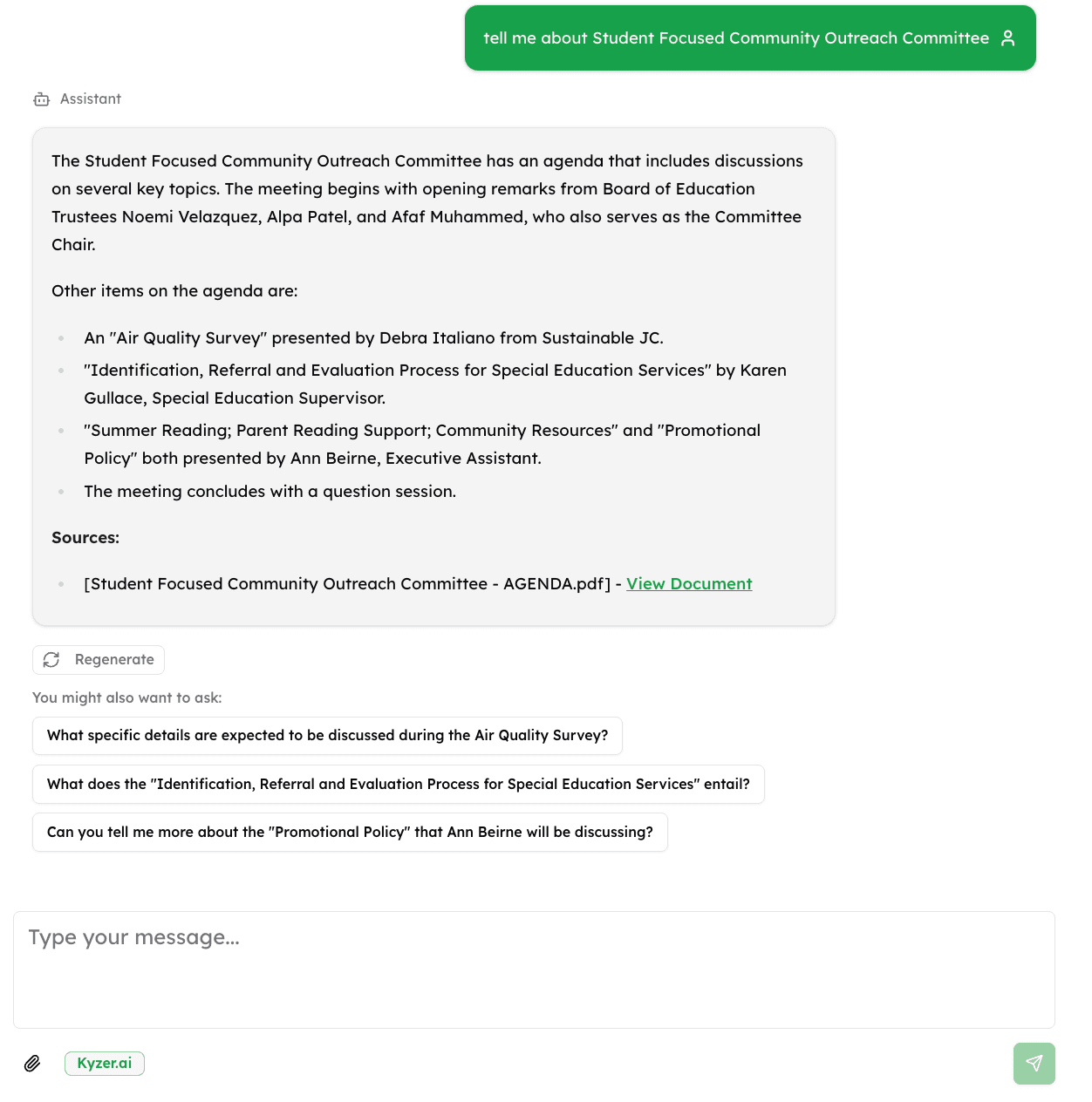
This tool processes text you've already copied from a PDF. To extract and chat with PDFs directly without manual copying, try uploading your documents to Kyzer for full AI-powered document analysis.
Do more than just extract text
- Upload entire document libraries and search across all of them
- Ask questions in natural language and get answers with page citations
- Share an AI agent that lets anyone search your documents