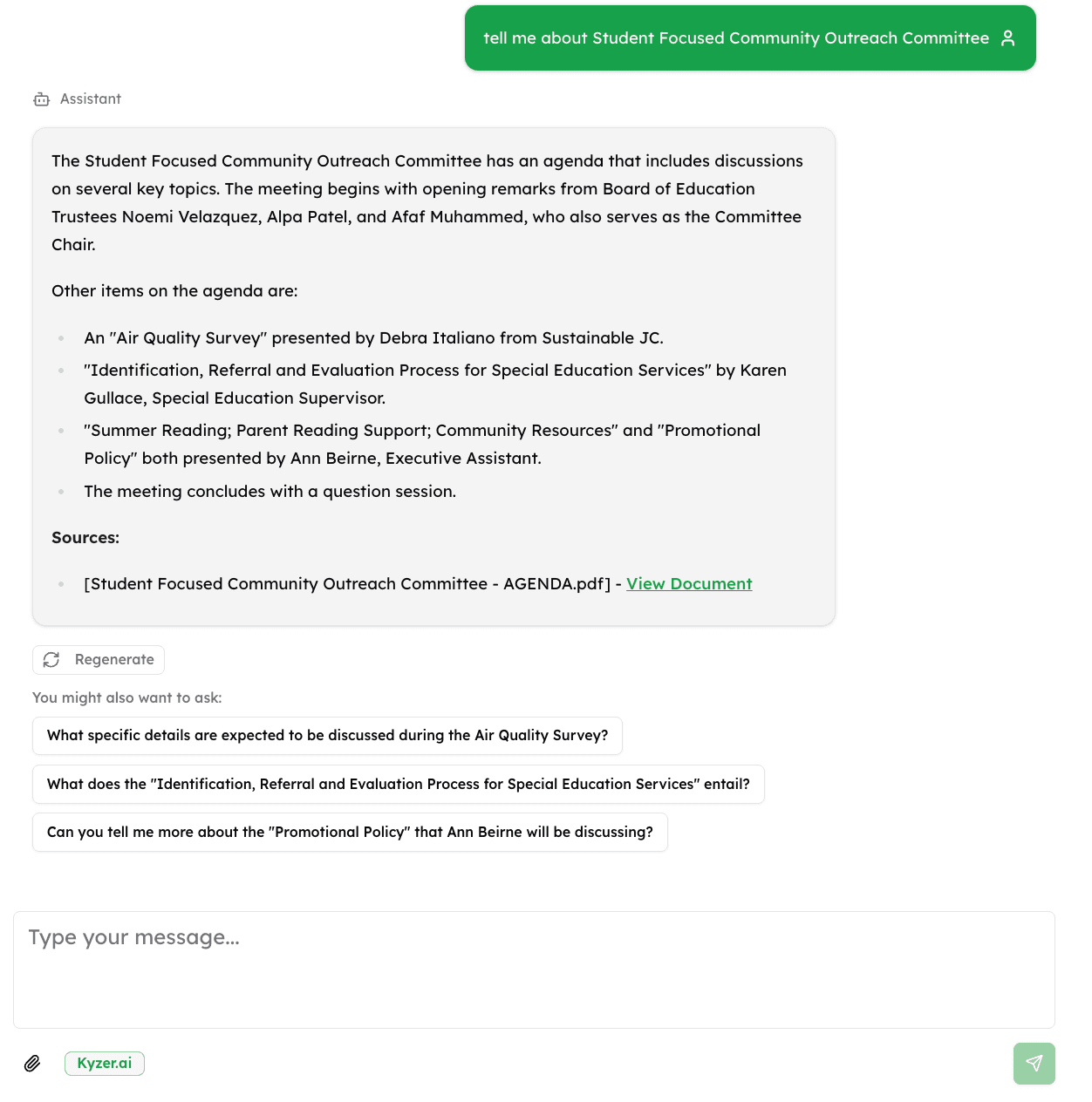
Paste your raw notes, transcription, or bullet points from the meeting. The AI will format them into professional minutes.
Frequently Asked Questions
What format should my notes be in?
Any format works! You can paste bullet points, raw transcription, or even stream-of-consciousness notes. The AI will identify key information and structure it properly.
What sections are included in the minutes?
Generated minutes include: meeting header (date, attendees), agenda items discussed, key decisions, action items with owners and deadlines, motions and votes (if applicable), and next steps.
Can I use this for board meetings?
Yes! Select "Board Meeting" as the meeting type and the AI will format minutes appropriately, including sections for motions, votes, and formal resolutions.
How do I track action items across meetings?
This free tool generates minutes for individual meetings. For tracking action items across all meetings and searching your meeting history, try Kyzer with document upload and AI agents.
Build a public-facing AI agent for your citizens
- Embed a chatbot on your website that answers from official documents
- Upload ordinances, agendas, and minutes to one searchable archive
- Citizens get instant answers with citations to source documents